Faceless Shorts from a script
Paste a topic or script. Get a vertical video with captions, AI voice, and music. Export MP4 or post from Studio.
Need creator-style ads with caption styles? Open UGC Ads.
Faceless Shorts with captions
Vertical clips with captions, voice, and motion for TikTok, Reels, and YouTube Shorts.
Visual presets
Pick a look before you generate. Swap it anytime before export.
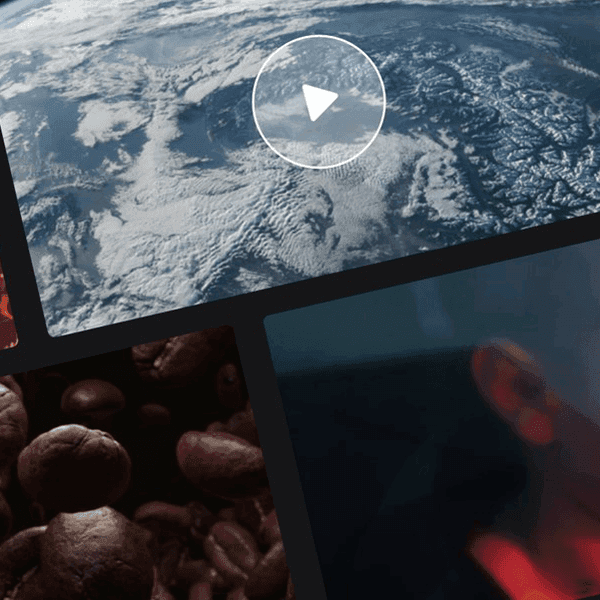
Stock

Realistic

Cartoon

Ghibli
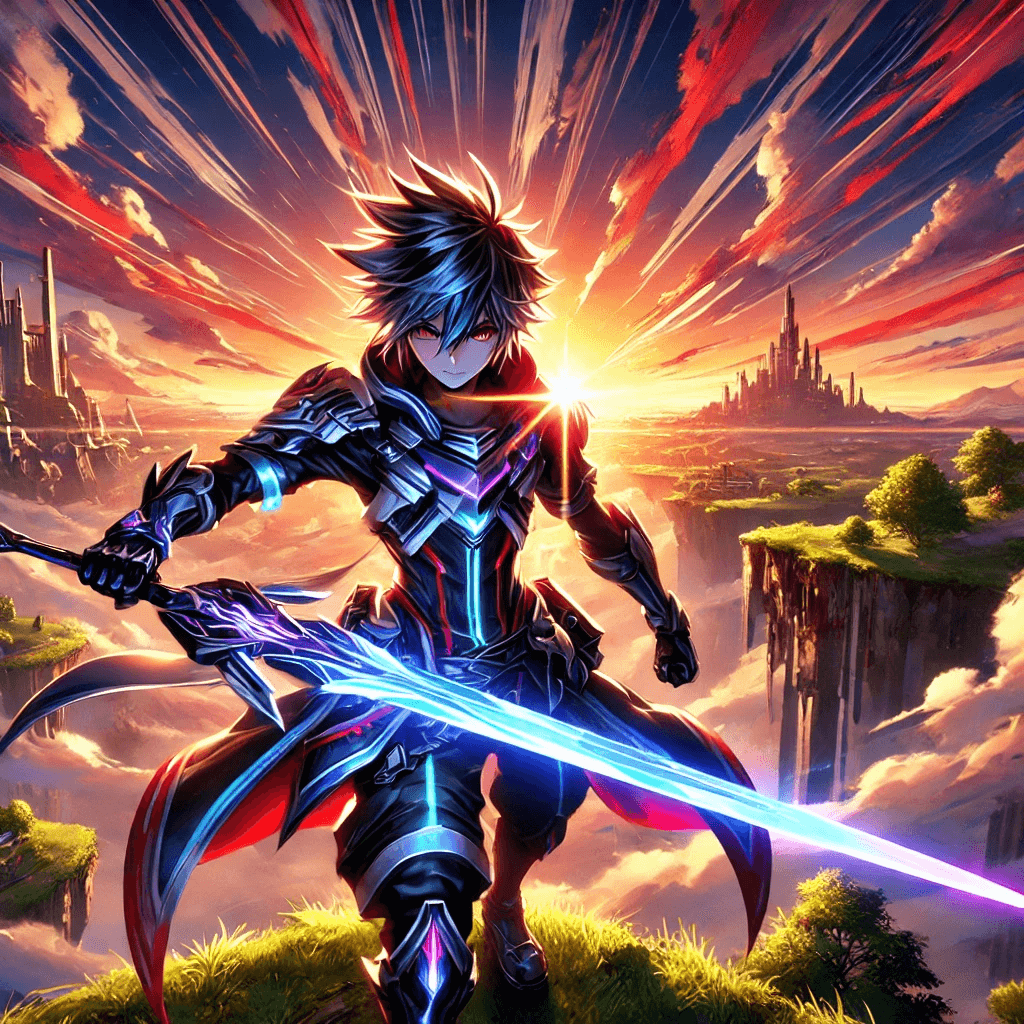
Anime

3D Cartoon
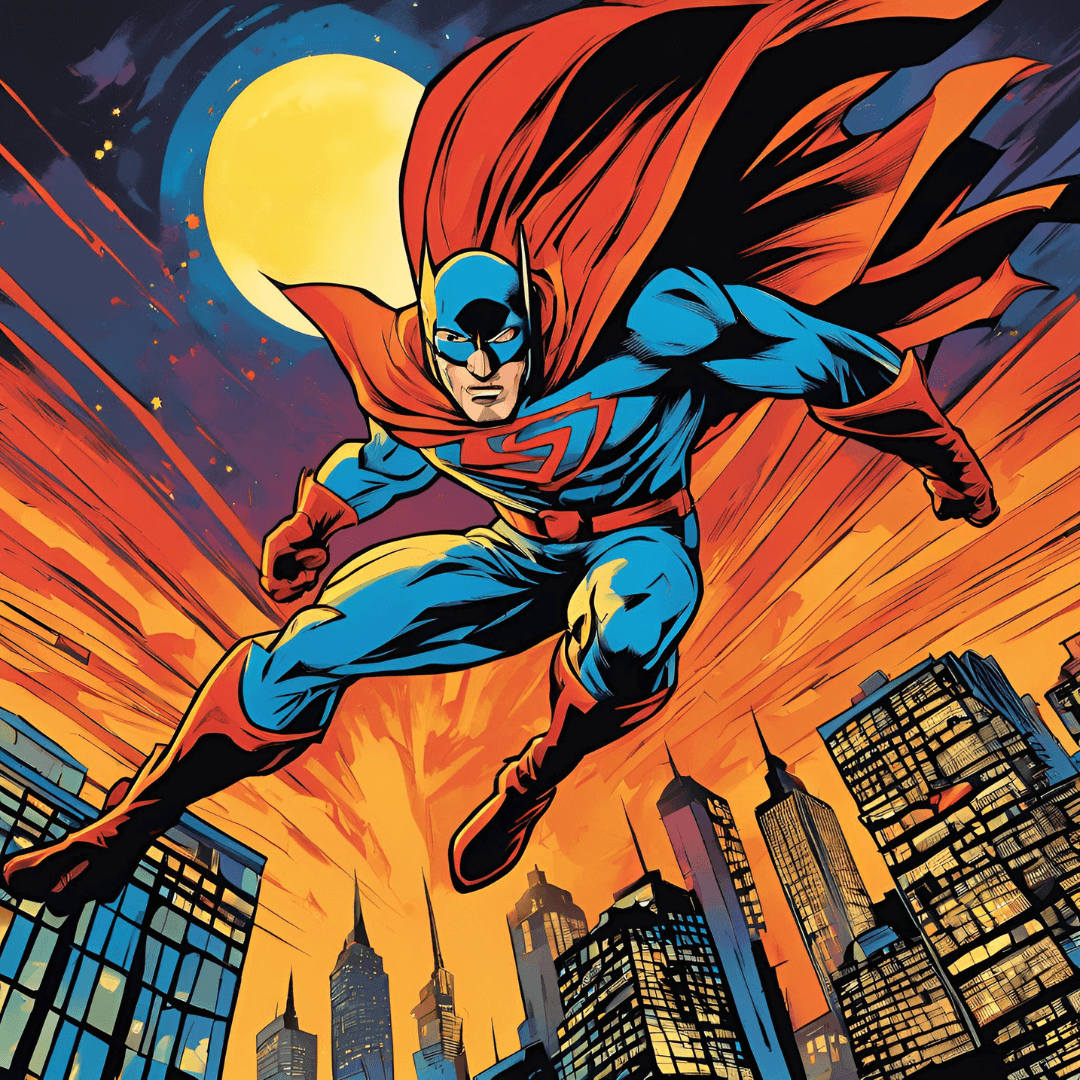
Comic

Abstract

Surreal

GTA
Script → scenes
Paste a topic or script. AI structures beats, captions, and pacing.
Voice + music
AI voices and background tracks that follow your style preset.
Export or post
MP4 sized for Shorts, Reels, and TikTok, or post from Studio.
Script to Short in three steps
Add your script or topic
Paste a script or describe the idea. AI Shorts drafts structure, scenes, and pacing.
Pick style, voice & music
Choose caption style, AI voice, and background music.
Generate & post
Render the Short, then export MP4 or post to YouTube, TikTok, and Instagram.
What you get in AI Shorts
Captions, voice, music, and a direct path to export or post.
YouTube Shorts
Vertical clips with captions and voiceover, sized for Shorts.
TikTok & Reels
Same pipeline for TikTok and Instagram Reels. One export path.
Script to scenes
Paste a script or topic. AI Shorts builds scenes, pacing, and on-screen text.
AI voice & captions
Pick a voice and caption style. Captions burn in on export.
Export or post
Download MP4, or post to YouTube, TikTok, and Instagram from Studio.
Background music
Add a track from the music library before you render.
Where AI Shorts fits
Explainers & tutorials
Short how-tos, tips, and course teasers without filming yourself.
- Course previews
- Step-by-step tips
- Quick demos
Product & updates
Announce features, share changelog clips, or show a product in motion.
- Product demos
- Release notes
- Behind-the-scenes
Faceless channels
Ship volume for Shorts-style channels when you do not want on-camera talent.
- Niche explainers
- Listicles
- News roundups
AI Shorts FAQ
Straight answers about generation, export, and posting.
Open AI Shorts in Studio
Start from a script and export a vertical MP4.