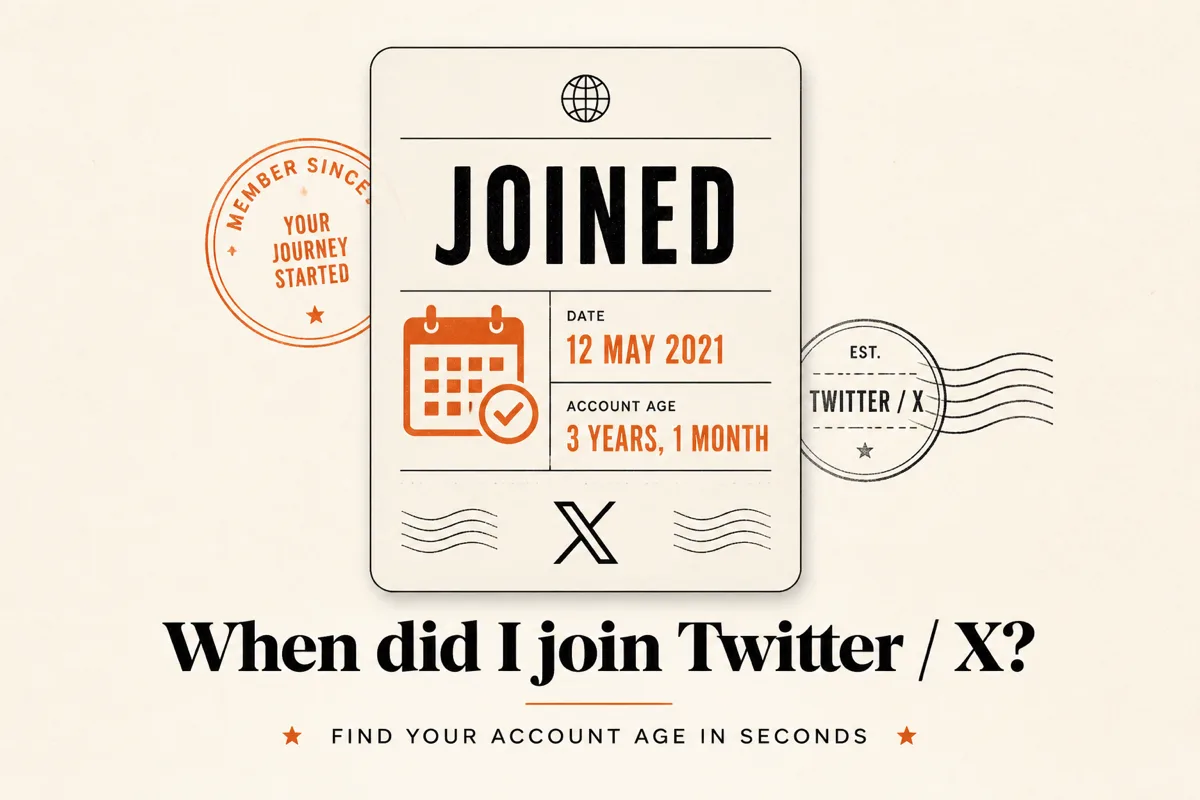
X (formerly Twitter) shows only the month and year you joined on a public profile — for example “Joined March 2015.” The exact calendar day exists in the account’s created_at data, but it is not printed under the bio.
That gap is why “when did I join Twitter” and “Twitter account age” keep showing up in search. Creators want a precise anniversary date. Researchers want a signal for how long an account has existed. Reply-guys want a one-tap flex. This guide covers what X shows, how to get the exact day, and when a shareable join-date video is worth making.
Table of Contents
- What X shows vs what “account age” means
- How to find your Twitter join date on the profile
- How to get the exact day (not just month/year)
- Why people look up X account age
- Era labels that make join dates shareable
- Turn your join date into a video or GIF
- FAQ
What X shows vs what “account age” means
Twitter / X account age is the time since the account was created, counted from the created_at timestamp to today. It is usually expressed as years and days (for example: 8 years, 2,941 days).
On the profile, X surfaces a shortened form: “Joined [Month] [Year].” That string is enough for casual browsing. It is not enough when you need:
- The exact anniversary day for a post
- Day-level age for authenticity checks
- A clean number (“4,012 days on X”) for a graphic
The join date, creation date, and “Twitter birthday” all refer to the same underlying field. The profile UI simply truncates it.
How to find your Twitter join date on the profile
- Open x.com or the X app and go to the profile.
- Under the bio and location line, look for Joined [Month Year].
- That is the official month/year X chooses to display publicly.
Limits: protected accounts can hide profile details from non-followers. The profile never shows the day of the month. If you only need “March 2015,” stop here.
How to get the exact day (not just month/year)
| Method | Exact day? | Works on others? | Friction |
|---|---|---|---|
| Profile “Joined …” | No (month/year only) | Yes (if visible) | None |
| X data archive download | Yes | No (your account only) | High — request + wait + unzip |
Early-tweet search (from:user since:…) |
Approximate | Yes | Medium — first tweet ≠ creation day |
| Public join-date / age checkers | Yes (from public data) | Yes | Low — enter a username |
Option A — Download your X archive
X lets you request a personal data archive from settings. Inside the archive you can find the account creation timestamp. This is accurate for your account, but it is slow if you only need a date for a post today.
Option B — Approximate from the first public post
Search from:username since:2006-03-21 until:YYYY-MM-DD and walk forward until early posts appear. The first tweet is often close to creation — sometimes the same day, sometimes weeks later if the account sat idle. Treat this as an estimate, not a certificate.
Option C — Use a join-date / account age tool
Public account data includes created_at. Tools that read that field (including AnimStats’ free 𝕏 Account Age checker) return the full date, days online, and a short era label without downloading an archive.
No OAuth is required for public handles. If a profile is protected or suspended, public lookup will fail the same way the profile page does.
Why people look up X account age
Three use cases show up again and again:
1. Anniversary and “Twitter birthday” posts
Creators mark “Joined March 2015” every year — but the exact day is better for a once-a-year post. A number like “3,650 days” reads cleaner in a video than “about 10 years.”
2. Authenticity and trust signals
A brand-new account with a huge following is a yellow flag for spam or purchased growth. Account age alone does not prove legitimacy, but it is one of the first public signals people check when something feels off.
3. Viral “how long have you been here?” formats
Join-date reveals sit next to aura checks, top-fan shoutouts, and worth estimates in the same content lane: enter a username → get a shareable graphic. The hook works because X already taught everyone that “Joined …” exists — people just want the fuller version.
Era labels that make join dates shareable
Raw dates convert poorly in a feed. Context converts better. A practical way to package account age for social is to map created_at into eras people already argue about:
| Era | Rough window | Why it resonates |
|---|---|---|
| Pre-Musk OG | Before Oct 2022 | Fail Whale / bird-app nostalgia |
| Timeline Veteran | ~2014–2017 | Long tenure through redesigns |
| Bird App Loyalist | ~2018–Oct 2022 | Late Twitter, pre-rebrand memory |
| Blue Era | Oct 2022–Jul 2023 | Acquisition + paid checkmark chaos |
| X Native | After Jul 2023 | Never knew the bird logo |
These labels are entertainment framing, not official X badges. They work because they turn a date into a tribe people can reply to.
Turn your join date into a video or GIF
Static screenshots of “Joined March 2015” rarely travel. A short reveal — join day, days online, era stamp, profile card — is built for replies and quote posts.
With AnimStats’ free X Account Age tool:
- Enter any public username.
- Generate the join-date clip (passport-style reveal).
- Open Studio to tweak colors, then export GIF or MP4.
If you already use AnimStats for follower milestones or aura checks, this is the same workflow pointed at created_at instead of engagement heuristics.
FAQ
Does X show the exact day I joined?
No. Public profiles show month and year only (for example “Joined June 2019”). The exact day is stored as account creation data but is not displayed in the profile header.
Is Twitter account age the same as X join date?
Yes. “Account age,” “join date,” “creation date,” and “Twitter birthday” all refer to when the account was registered. Age is that date expressed as elapsed time; join date is the calendar day itself.
Can I check someone else’s X account age?
Yes, for public accounts. Enter their username in a join-date checker, or read “Joined …” on their profile for month/year. Protected accounts may hide details from people who do not follow them.
How accurate are third-party X age checkers?
Tools that use the public created_at field should match X’s own creation timestamp. They will not invent a day the platform does not store. If a tool disagrees with your archive download, trust the archive for your own account and re-check the username spelling for others.
Why do people care about Pre-Musk vs Blue Era vs X Native?
Those eras map to recognizable platform moments (acquisition in October 2022, rebrand in July 2023). The labels make a join date reply-worthy. They are not verification statuses.
What’s the fastest way to get a shareable join-date post?
Use a free checker that returns the exact date and exports a short video — for example When did you join 𝕏? on AnimStats — instead of screenshotting the profile month/year line.

